When you reach the page where you can select a transport service, you can book your shipment and print the shipping label straight away.
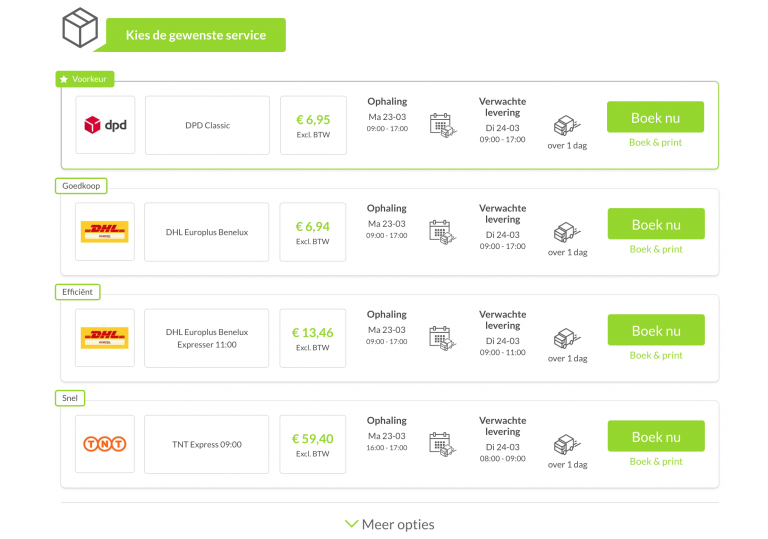
- 1. Pressing Book & print books the shipment and prints the shipping label in one go. You'll need the Wuunder One Click Printing application for this.
- 2. Download the One Click Printing application from the Settings menu in MyWuunder. More info in One Click Printing.
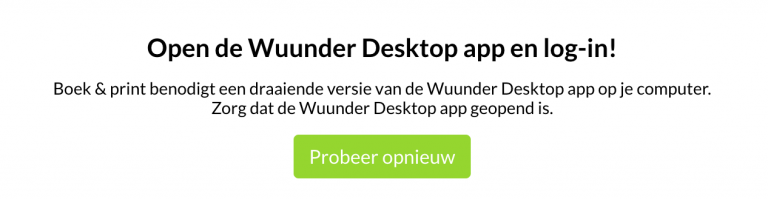
- 3. When you press Book & print, you need to be logged in to the desktop application, otherwise you'll see the error message below.
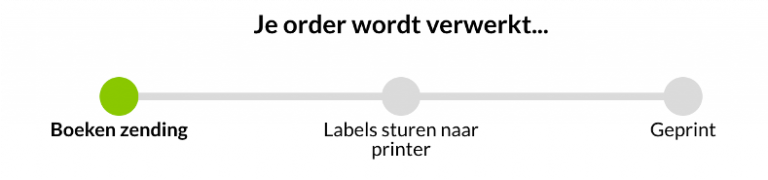
- 4. Printing has worked if you see the message below.
- 5. You'll find all the options for printing shipping labels in Save time printing shipping labels.
Questions? Just get in touch at info@wuunder.com.
Was this article helpful?
That’s Great!
Thank you for your feedback
Sorry! We couldn't be helpful
Thank you for your feedback
Feedback sent
We appreciate your effort and will try to fix the article