There are two ways to print your labels on a DYMO:
- print the shipping label via your browser (default)
- the fastest way is to install the Wuunder desktop app on your PC
You'll find more info about the different ways to print shipping labels in Save time printing shipping labels.
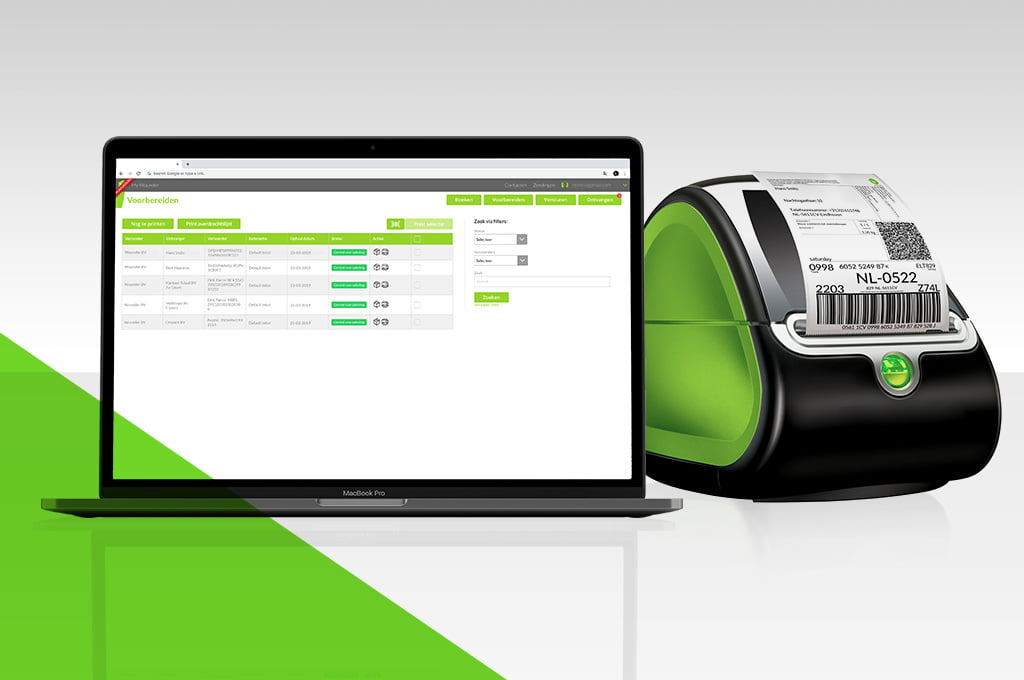
UPDATE AND CONNECT THE DYMO PRINTER
- Download the latest printer drivers.
- Install the software (open the .exe file).
- Connect the printer to your PC via the USB port.
ADD THE DYMO PRINTER
- Go to your Control Panel.
- Install the software (on Windows, by opening the .exe file).
- Select the Dymo printer.
- Select "printing preferences" and choose "Portrait".
- Then select "Advanced", set the paper size to 4×6 and the print quality to "Barcodes and Graphics", and choose "OK".
Was this article helpful?
That’s Great!
Thank you for your feedback
Sorry! We couldn't be helpful
Thank you for your feedback
Feedback sent
We appreciate your effort and will try to fix the article