This article describes how each checkout widget style parameter affects the widget's design. Integrating the Paazl checkout widget step by step explains where to define these variables in your webshop's checkout page HTML.
The values you can assign the parameters are the same as those you would assign to their CSS equivalents. Example values are given in the code sample provided in Integrating the Paazl checkout widget step by step.
Default widget style
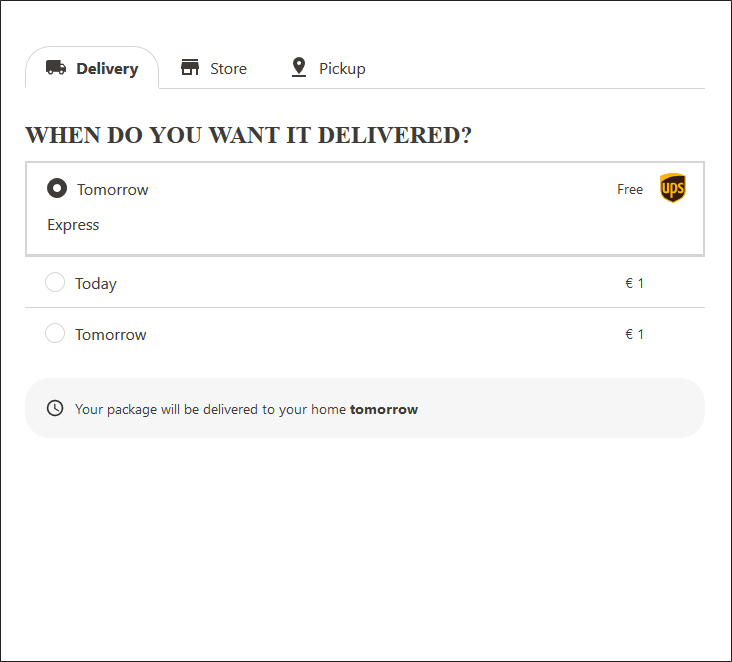
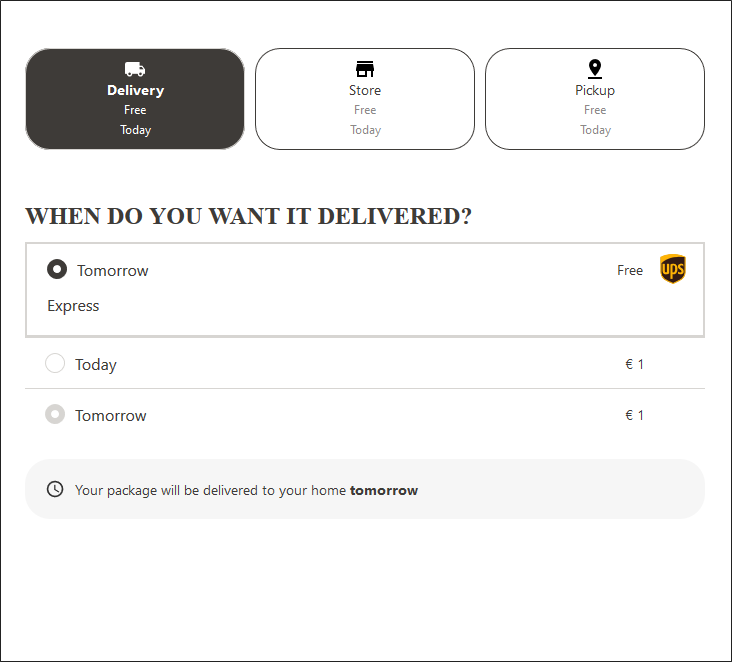
This is the how the checkout widget will look if you don't apply any styling.
Tabs default
Buttons default
Global settings
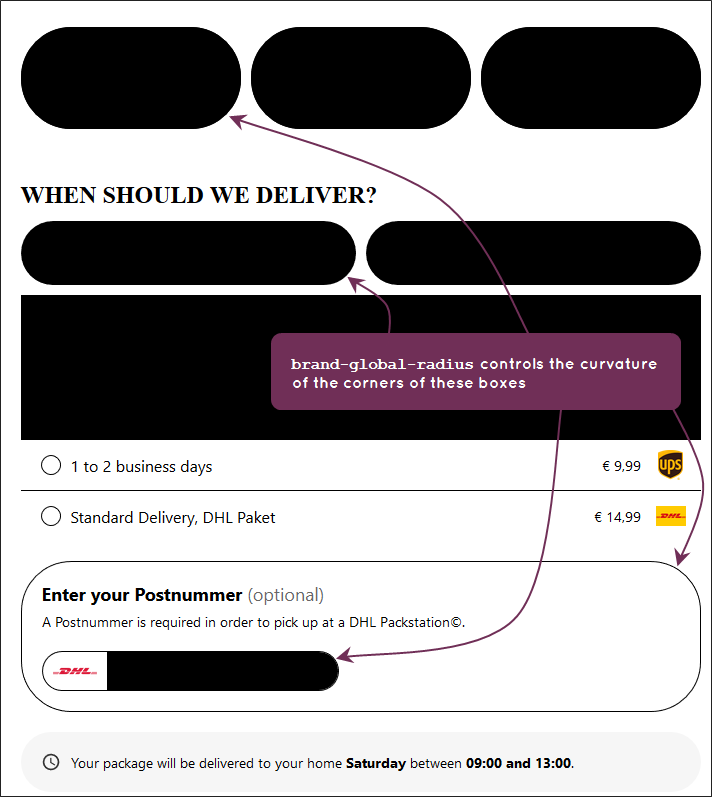
brand-global-radius
Example: brand-global-radius: 50px
Colors
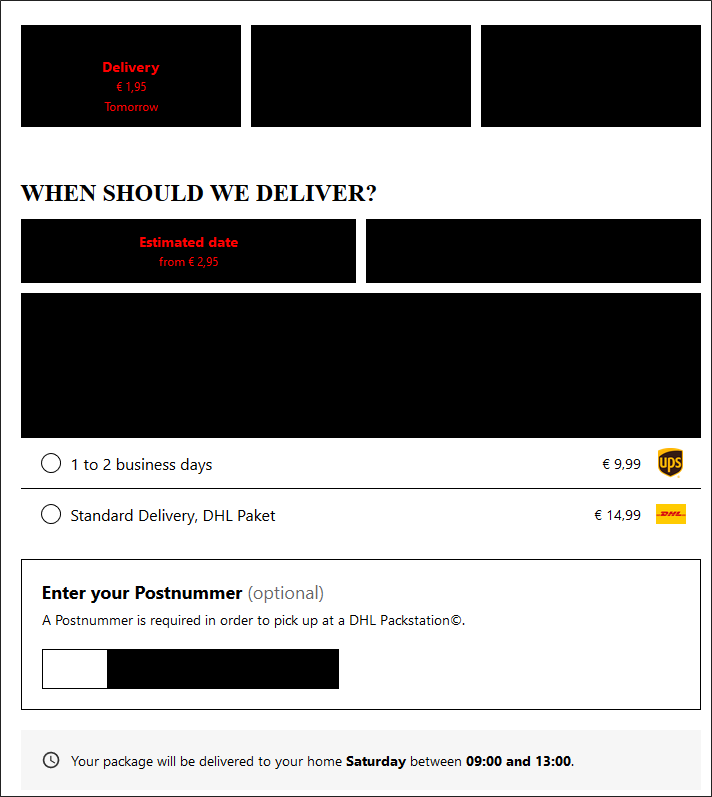
In the examples below, the elements affected by the various parameters are colored red.
brand-color-background
Example: brand-color-background: #FF0000
brand-color-body
Example: brand-color-body: #FF0000
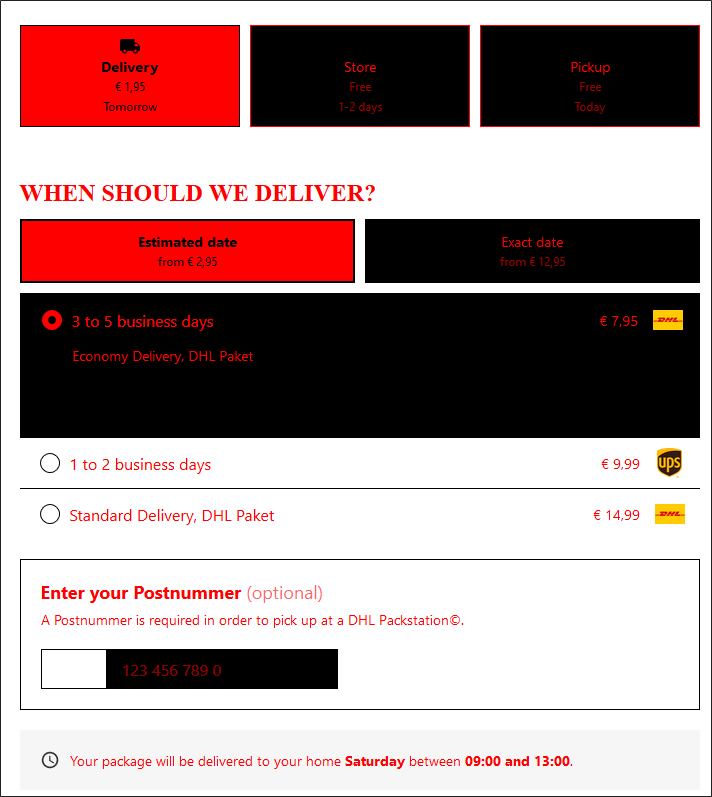
brand-color-border
Example: brand-color-border: #FF0000
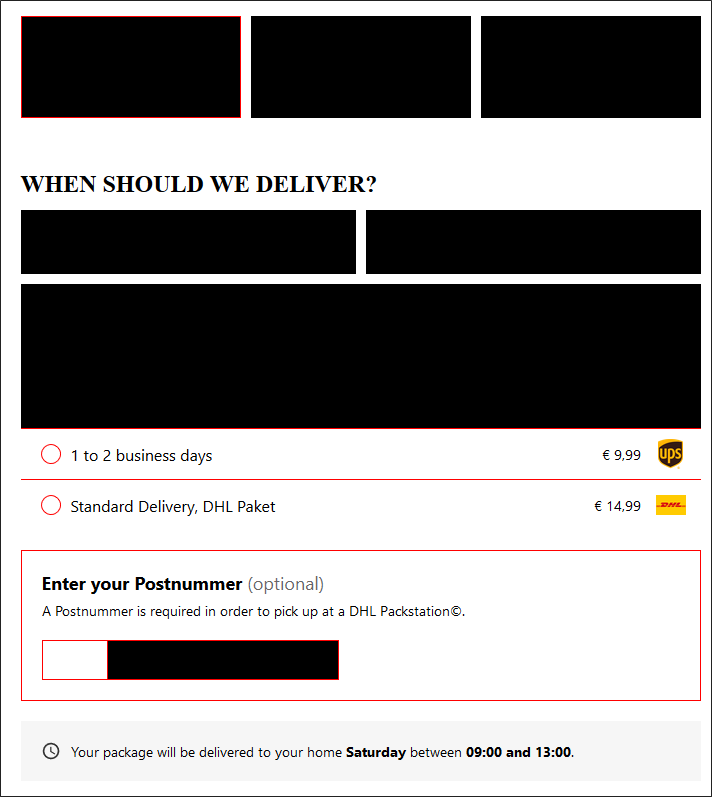
brand-color-focus
Example: brand-color-focus: #FF0000
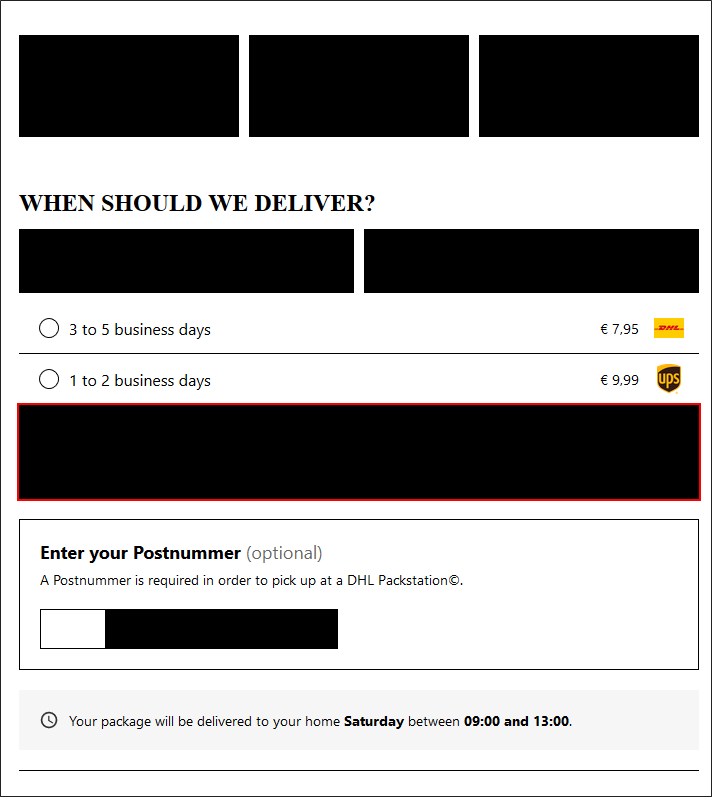
brand-color-primary
This parameter only affects the "Select a different..." button of the "Store" and "Pickup" tabs.
Example: brand-color-primary: #FF0000
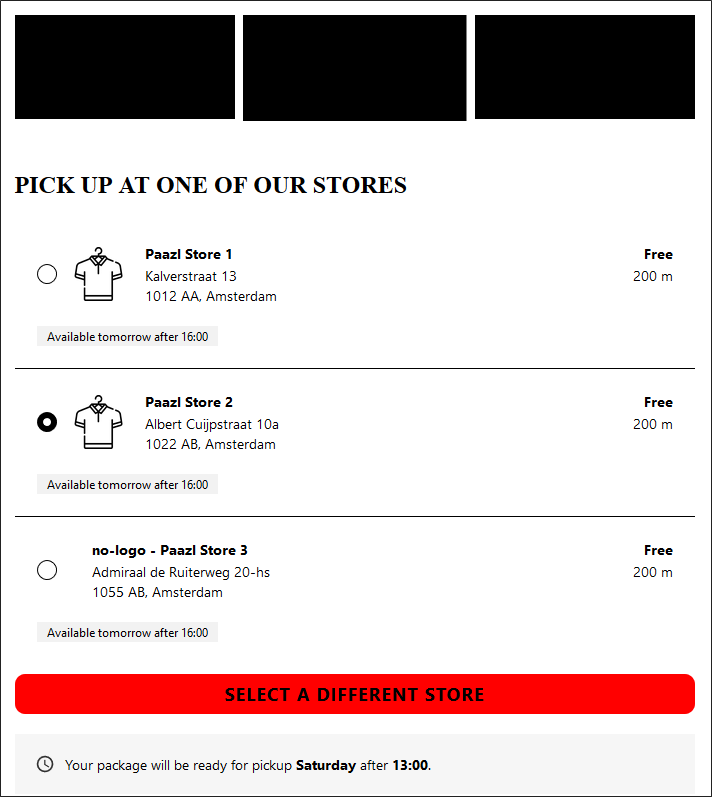
brand-color-secondary
This parameter affects both the selected shipping option as the inactive (unselected) tabs.
Example: brand-color-secondary: #FF0000
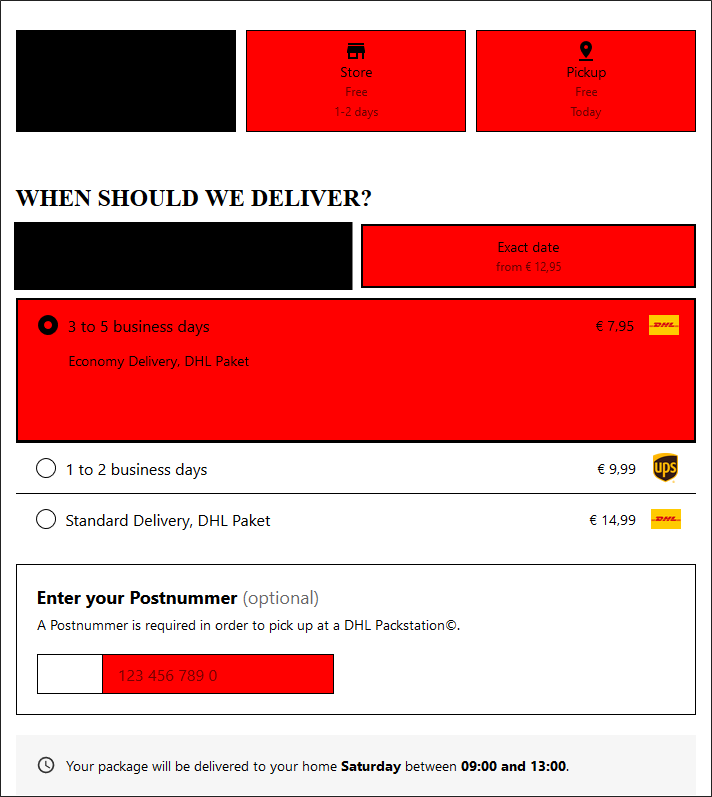
Fonts
In the examples below, the elements affected by the various parameters are either displayed in Courier font or heavily bolded.
brand-font-family-body
Example: brand-font-family-body: Courier
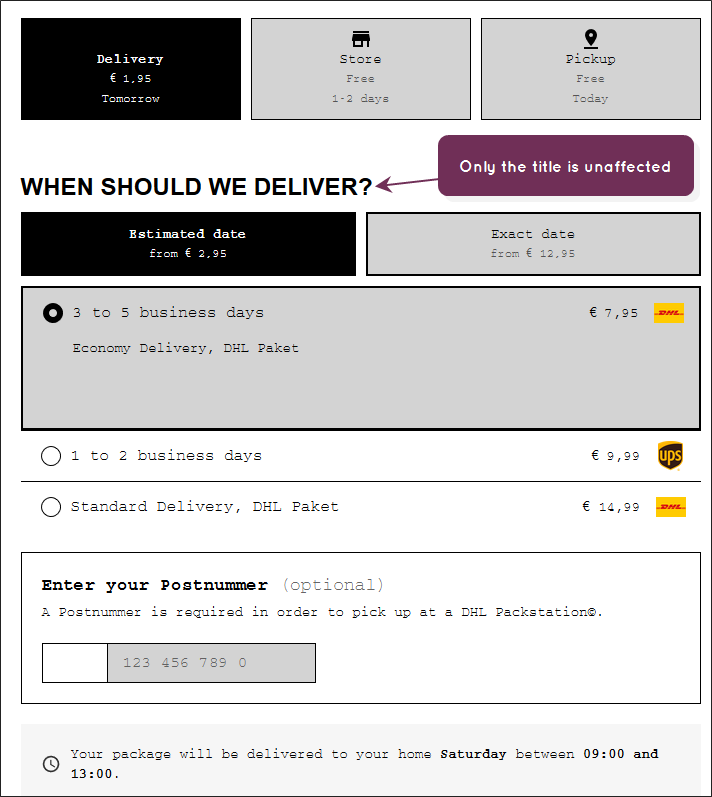
brand-font-family-title
Example: brand-font-family-title: "Courier"
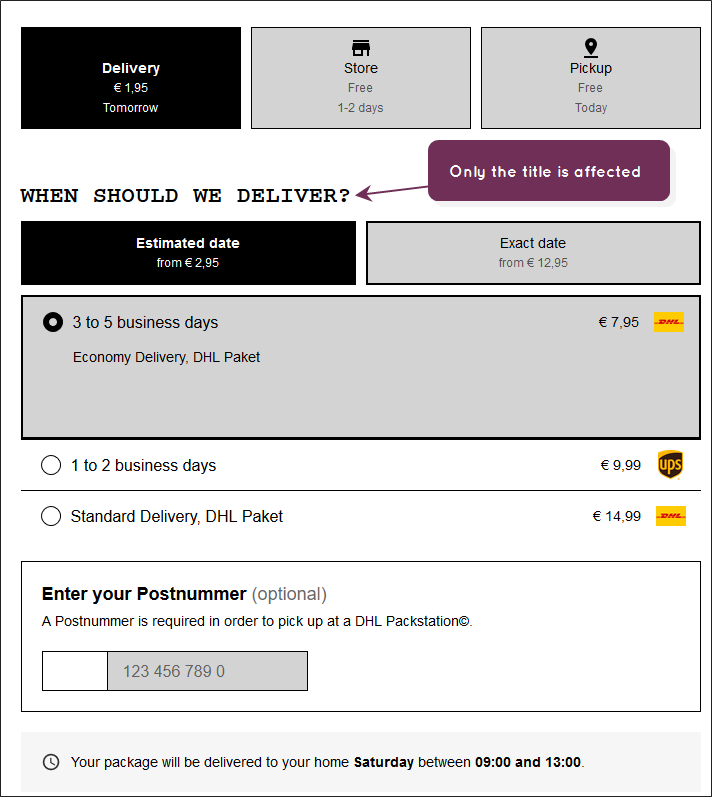
brand-font-weight-bold
Example: brand-font-weight-bold: 900
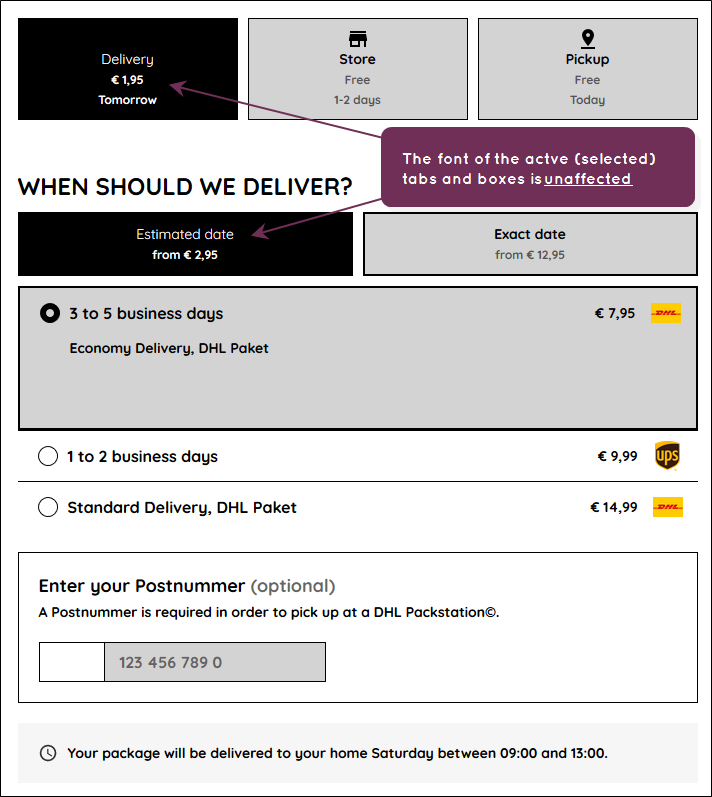
brand-font-weight-regular
Example: brand-font-weight-regular: 900
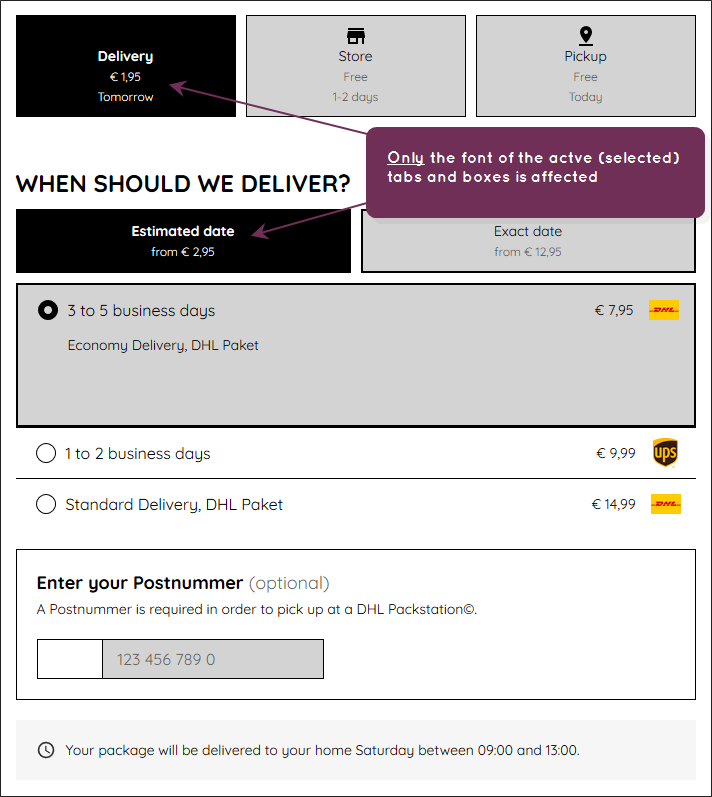
Title
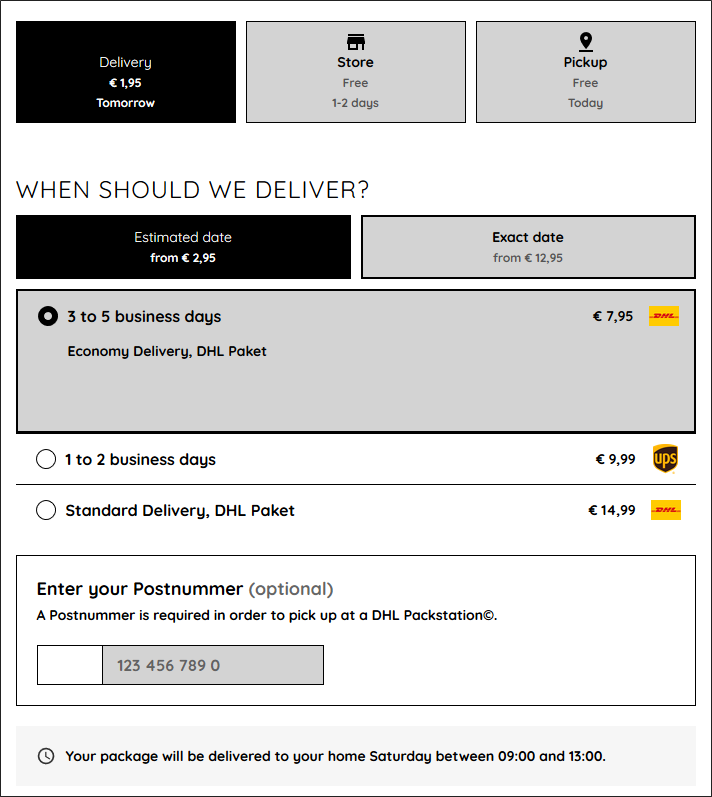
These settings affect titles. In the example below, this is the title "When Should We Deliver?"
brand-title-spacing
Example: brand-title-spacing: 14px
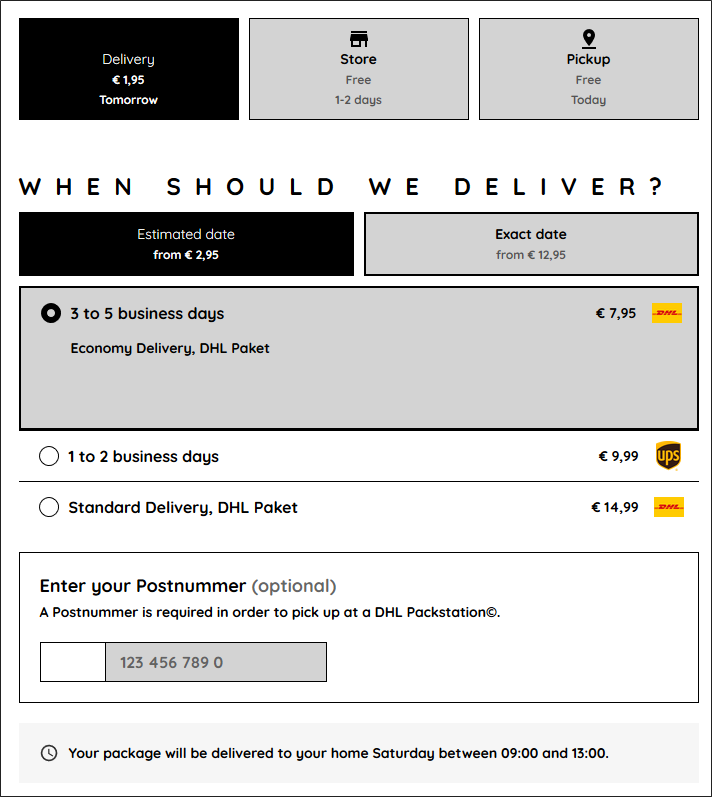
brand-title-transform
This parameter can take one of three values: uppercase, lowercase and capitalize.
Example: brand-title-transform: lowercase
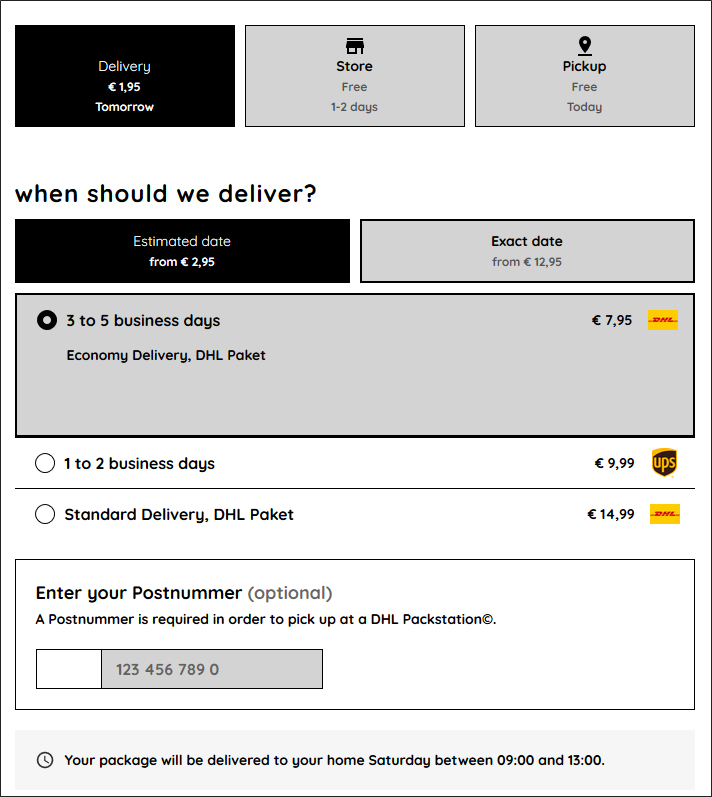
brand-title-weight
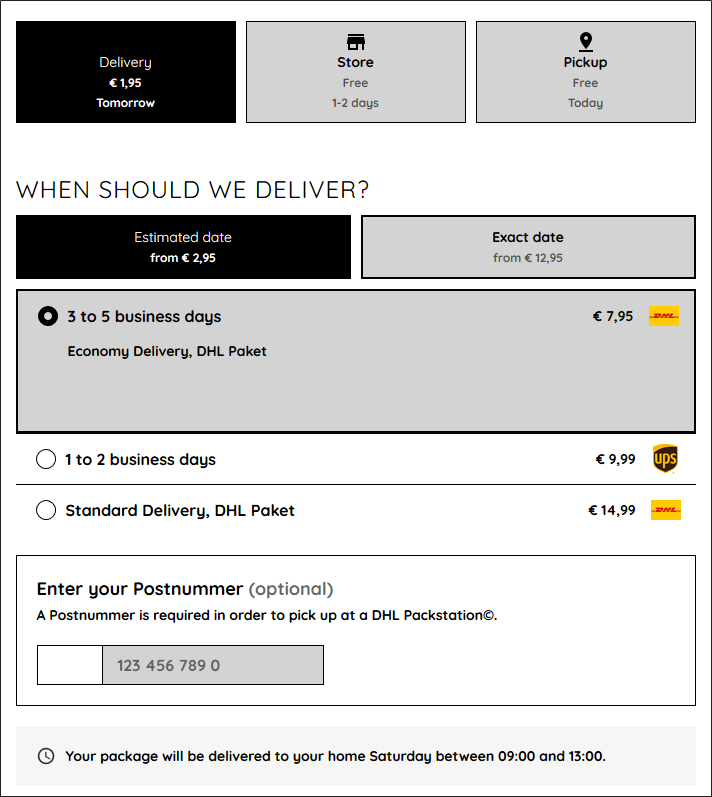
Input
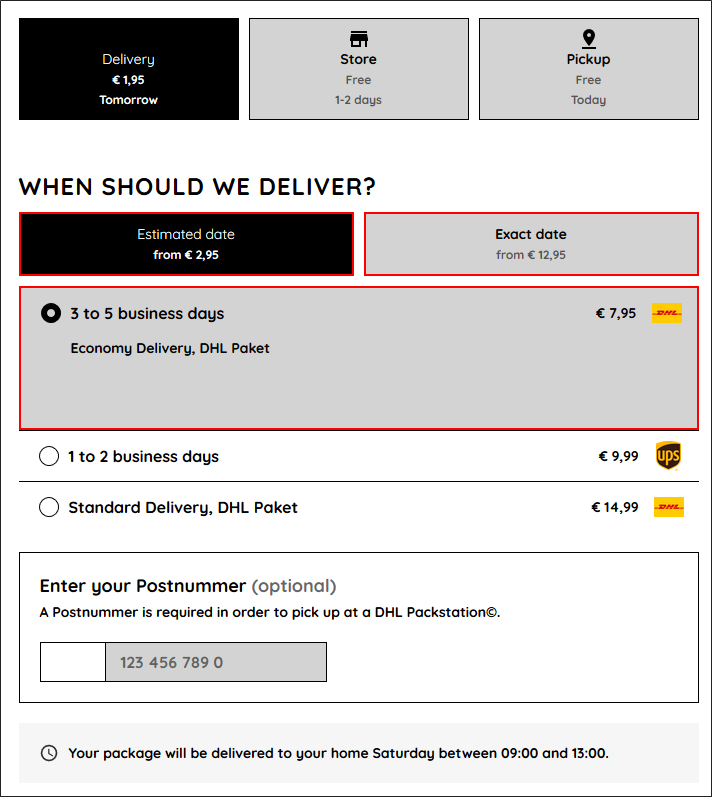
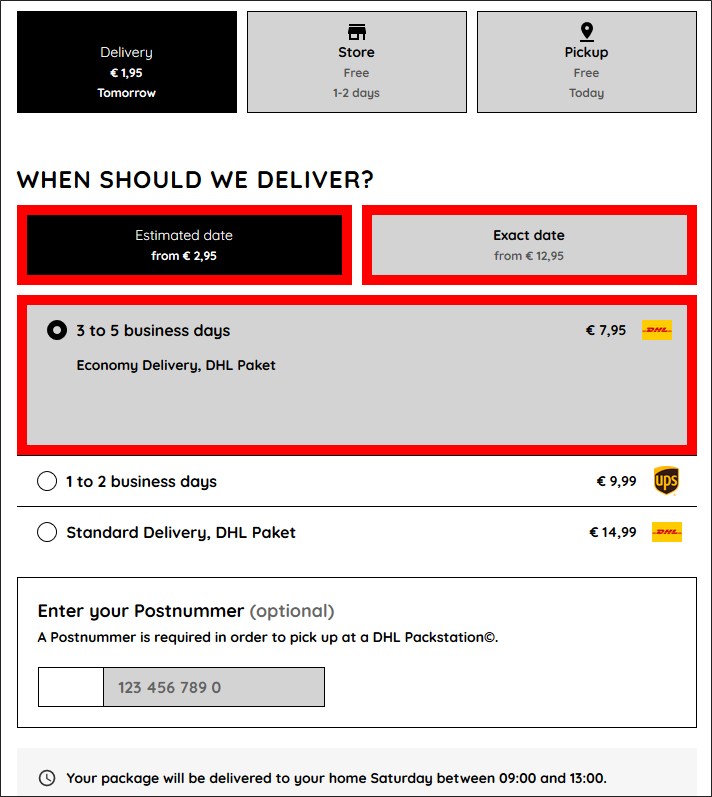
The borders affected are shown in red.
brand-input-border-color
Example: brand-input-border-color: #FF0000
brand-input-border-width
Example: brand-input-border-width: 10px
Button
This set of parameters only affects the "Select a different ..." button on the "Store" and "Pickup" tabs.
brand-button-font-color
Example: brand-button-font-color: #FF0000
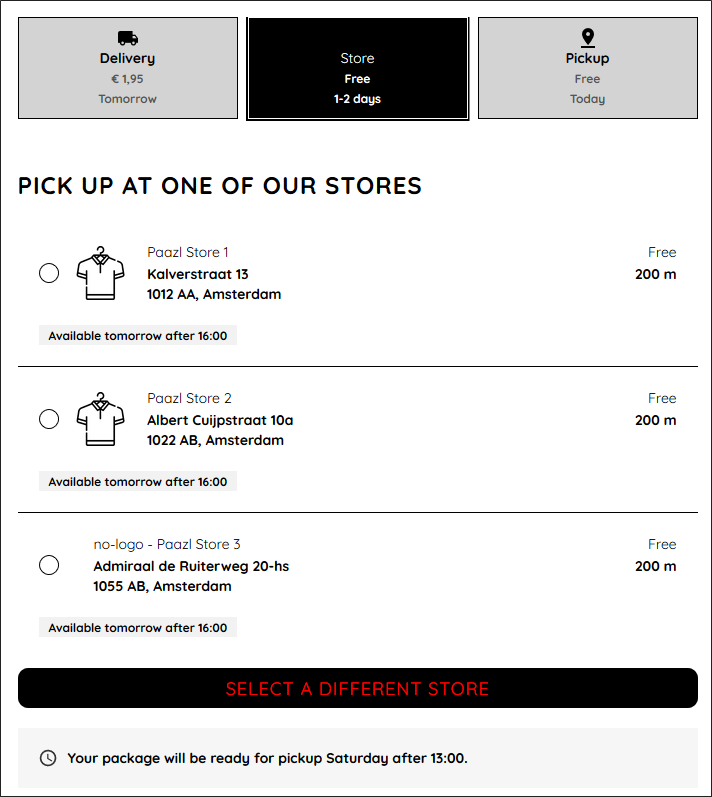
brand-button-font-size
Example: brand-button-font-size: 30px
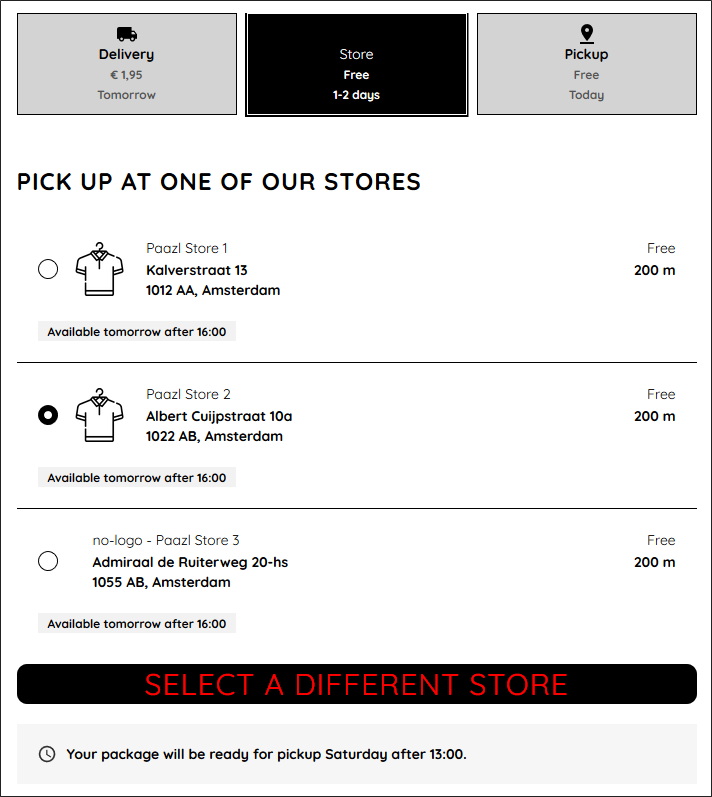
brand-button-font-spacing
Example: brand-button-font-spacing: 16px
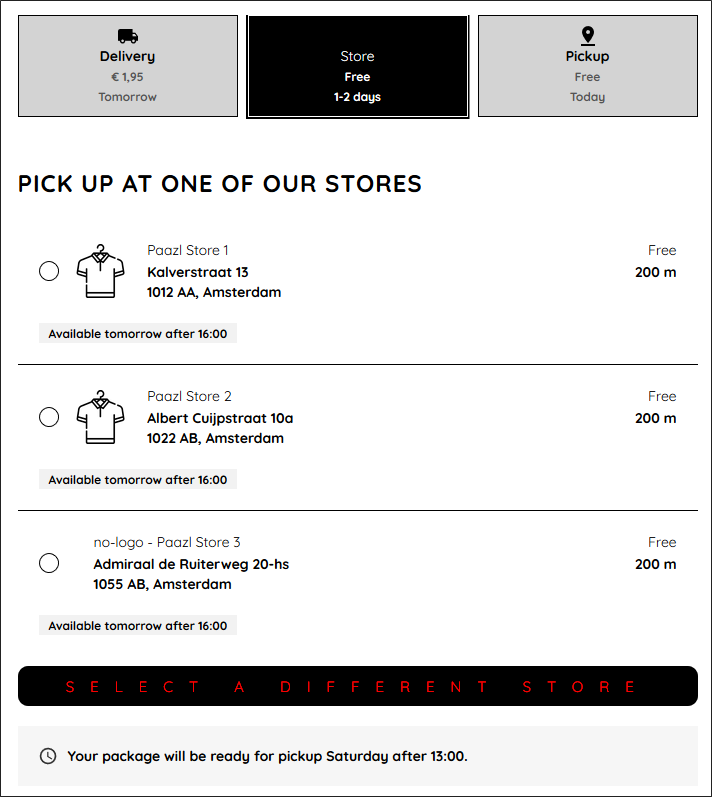
brand-button-font-transform
This parameter can take one of three values: uppercase, lowercase and capitalize.
Example: brand-button-font-transform: capitalize
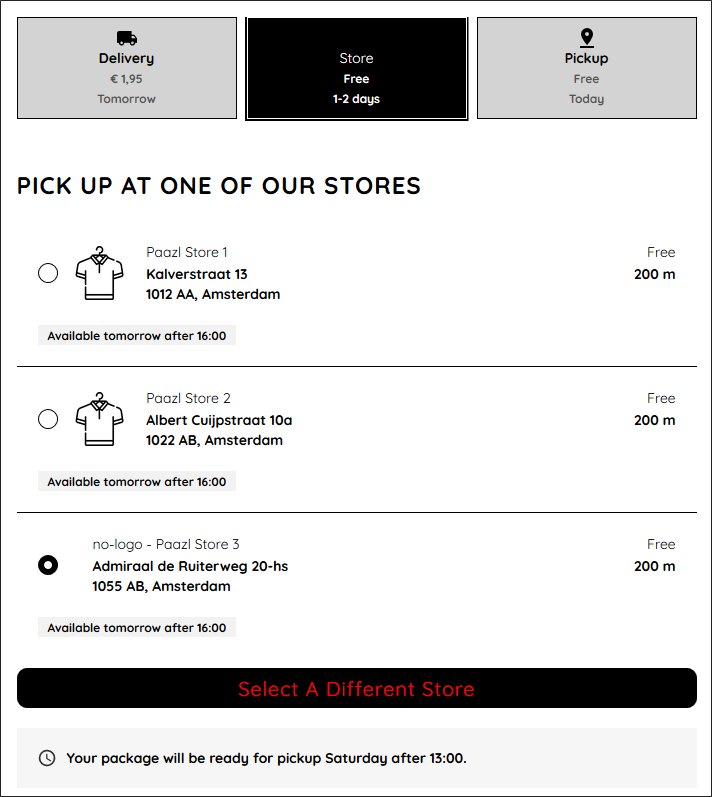
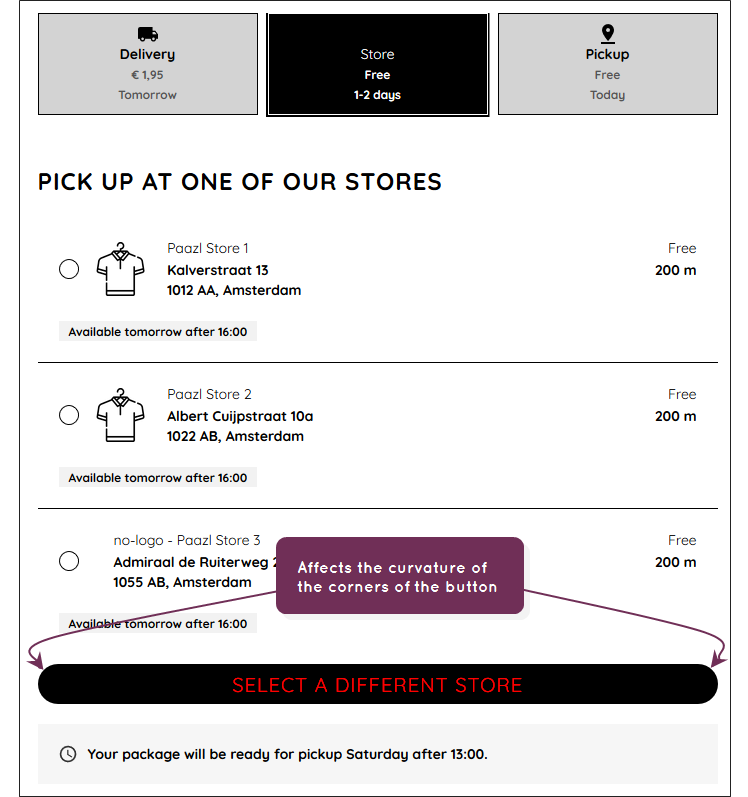
brand-button-radius
Example: brand-button-radius: 25px
brand-button-font-weight
Example: brand-button-font-weight: 900
Was this article helpful?
That’s Great!
Thank you for your feedback
Sorry! We couldn't be helpful
Thank you for your feedback
Feedback sent
We appreciate your effort and will try to fix the article